Firebase Crashlytics + Performance: mobile observability setup
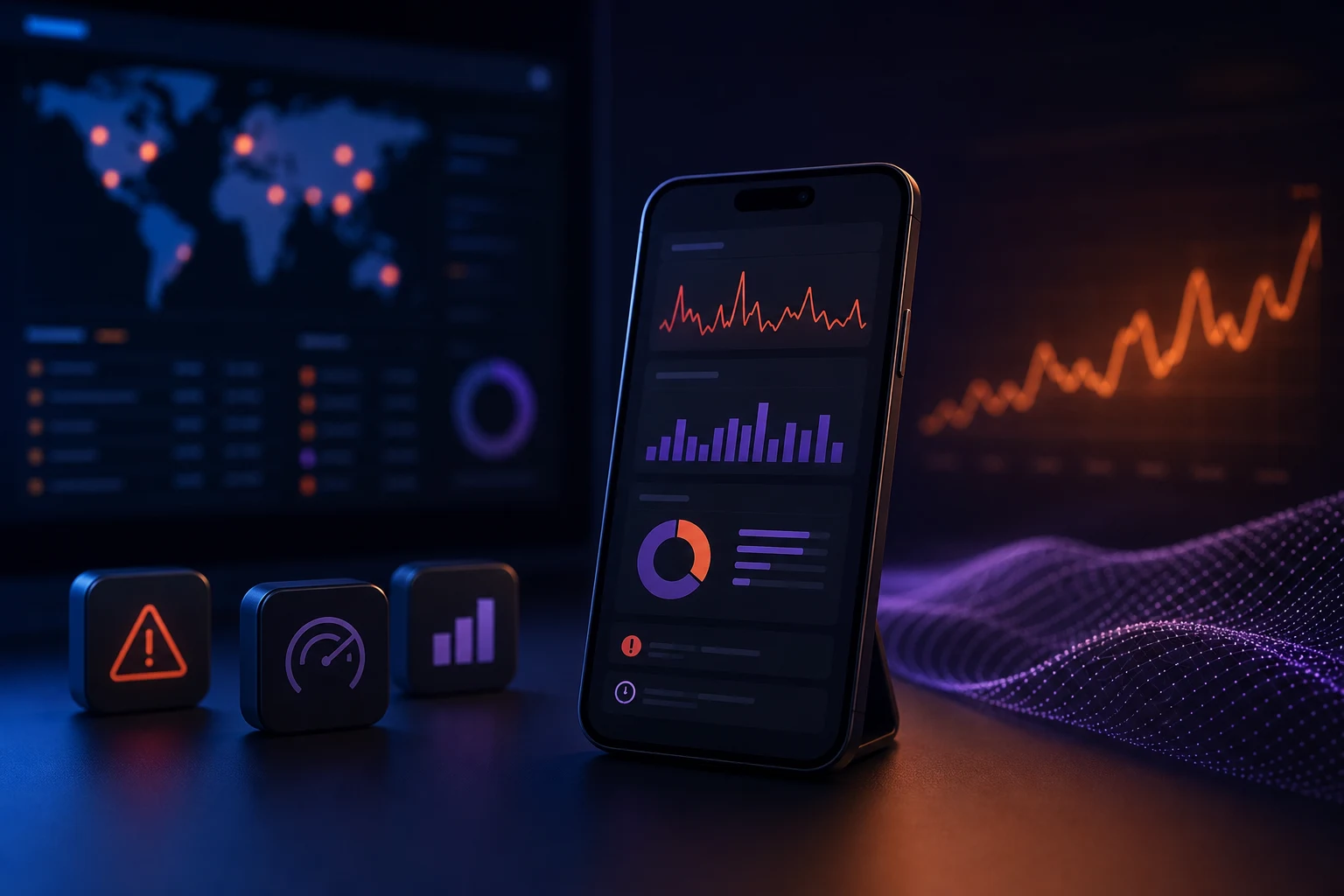
Crashlytics alone tells you what broke. Adding Performance Monitoring connects crashes to slow screens, cold starts, and network waterfalls.
Key takeaways
- 01
Observability starts with consistent custom keys across crashes and traces.
- 02
Performance traces should map to revenue-critical user journeys.
- 03
Tie release health gates to crash-free rate, not just store approval.
Crashlytics and Performance setup is one of the questions we hear most from product and engineering teams in 2026. The gap between a polished demo and a production system is where most projects stall.
We've shipped this across Flutter apps, SaaS backends, and analytics stacks for startups and enterprises. Here's what works, what breaks, and how we approach it on real client projects.
What matters in practice
For firebase crashlytics + performance: mobile observability setup, the details that look optional in a slide deck become blockers in week six of a build. We standardize patterns early so teams don't reinvent the wheel on every sprint.
- Custom keys for user tier, feature flag cohort, and app version channel
- Trace checkout and feed scroll as custom performance traces
- Link Crashlytics breadcrumbs to analytics screen_view sequence
- Alert on crash-free users dropping below 99.5% on latest release
Common pitfalls we see
Teams often move fast on the happy path and skip instrumentation, error handling, or review gates. That works for a hackathon — not for an app with paying users and compliance requirements.
We bake in logging, fallbacks, and explicit ownership before launch. The extra day upfront saves a week of firefighting after release.
“Performance traces showed our 'random' crashes were all on a 4-second API timeout.”
The bottom line
Treat Crashlytics and Performance setup as part of your product architecture, not a side task. When it's designed in from discovery — with clear metrics and maintainable code — your team ships faster and sleeps better after launch.
About the author
Veloria Analytics
Data & Product Analytics
We implement Firebase, PostHog, MoEngage, and GA4 instrumentation — turning product events into dashboards teams actually use.
Keep reading
Related articles


Work with us
Want to discuss this topic or build something similar?
Veloria Tech ships production-grade mobile, web, and AI products — from architecture through launch and beyond.